Collaboration in Windmill
Collaboration in Windmill is simplified through various features and workflows.
Draft system
Windmill offers a draft system for scripts, flows, and apps, allowing multiple iterations and collaboration before deploying. Drafts are available to anyone with write access to the underlying item. It provides a simple way to iterate on items with multiple collaborators.
Granular permissions
Windmill employs a granular permission system along with folder and group permissions. Users can be assigned to groups, and folders can be granted read/write access to groups or individual users. This system enables fine-grained control over who can access and modify specific items. Items can also be selectively shared with specific groups or users.
Dev/Staging/Prod workspaces
Workspaces in Windmill enable a dev/staging/prod workflow directly from the web interface. You can create separate workspaces for different stages of development, such as development, staging, and production. This allows for easy deployment of changes from one workspace to another. Workspaces provide logical isolation and enable a structured approach to managing different environments.
Cross-instance deployment (promotion)
When you have workspaces in different instances (for example, a staging instance and a prod instance), cross-instance promotion is one way to deploy changes from one workspace to the other. When changes are made in the first workspace, a branch with a name corresponding to the item is created in the second workspace's repo. A PR is automatically created through the CI/CD. Changes are reviewed, and once the PR is merged the changes are reflected in the production workspace.
Requirements: Git sync must be set up on both workspaces, so that they're both syncing changes with their respective repositories.
This feature is Cloud plans & Enterprise Self-Hosted only.
Workspace forks
Workspace forks let users branch off of a workspace and have an exact copy where they can create new items or make changes, test them, and deploy them to the main workspace once it's all working.
Workspace forks with git sync
Workspace forks unlock their full potential when git sync is enabled. When a fork is created, a branch with a corresponding name is created, and changes are tracked there.
Example feature development workflow:
- Create fork: The user forks the
mainworkspace into a fork namedwm-fork-new-feature - Develop: User makes changes in the forked workspace -> The changes are reflected in the branch
wm-fork/main/new-featureof the repo - Create PR: A PR is automatically created by the CI from
wm-fork/main/new-feature->main - Review & merge: Team reviews changes before merging to main branch
- Sync back changes: Changes are automatically synced to the main workspace as soon as the PR is merged
Multiplayer editing
Multiplayer editing is available for script editing in the Cloud & Enterprise Self-Hosted of Windmill. It allows simultaneous collaboration and displays a presence bar to avoid conflicts. Windmill is actively working on adding multiplayer editing for flow and app editors as well. This feature enhances real-time collaboration among team members.
This feature is Cloud plans and Self-Hosted Enterprise Edition only.
Git integration
Windmill supports 2-way sync from any source control (github, gitlab, or any other source control) leveraging our CLI and CI actions. The CLI can pull a workspace locally (of all the items one has permission on, if admin, it will be the entire workspace) and push local changes to the remote. The CLI has an internal state stored in .wmill which can detect conflicts when changes have been made both locally and on the remote.
Git sync works seamlessly with workspace forks - when a fork is created, a corresponding branch is automatically created in your repository, enabling git-based review workflows as described in the workspace forks section above.
You can use this to:
-
Backup regularly your workspaces to git.
-
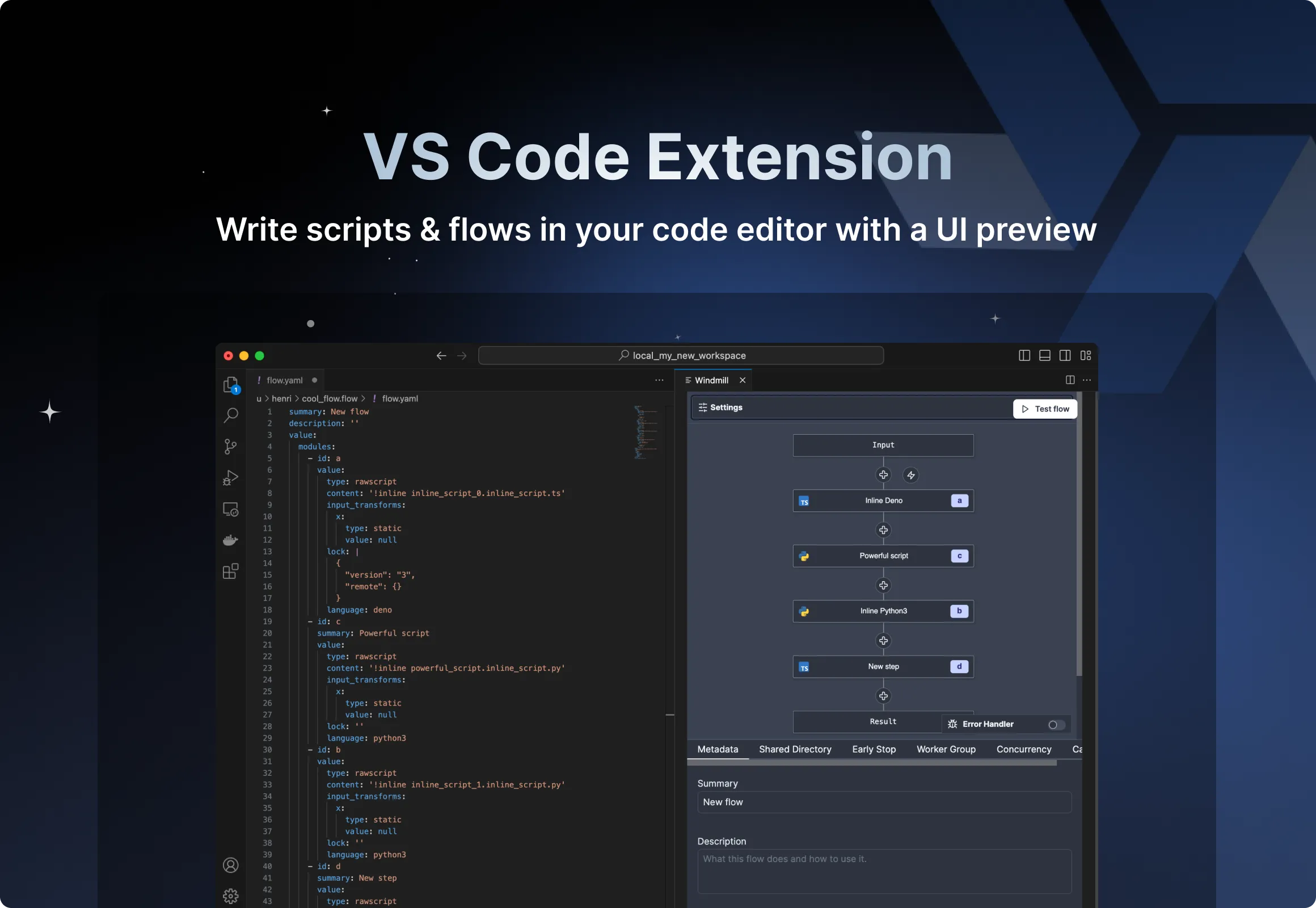
Develop locally using your favorite code editor and push changes to the remote.
-
Implement a dev/staging/prod workflow where changes are automatically pulled from one workspace and transformed into a pull request. And only once the pull request is approved are the changes deployed to the target workspace. This enable full GitOps style of deployments while still allowing users to use the web UI to edit scripts/flows/apps/.